The bigger picture.
Move from the collection overview to individual items, saved searches and the details that matter.
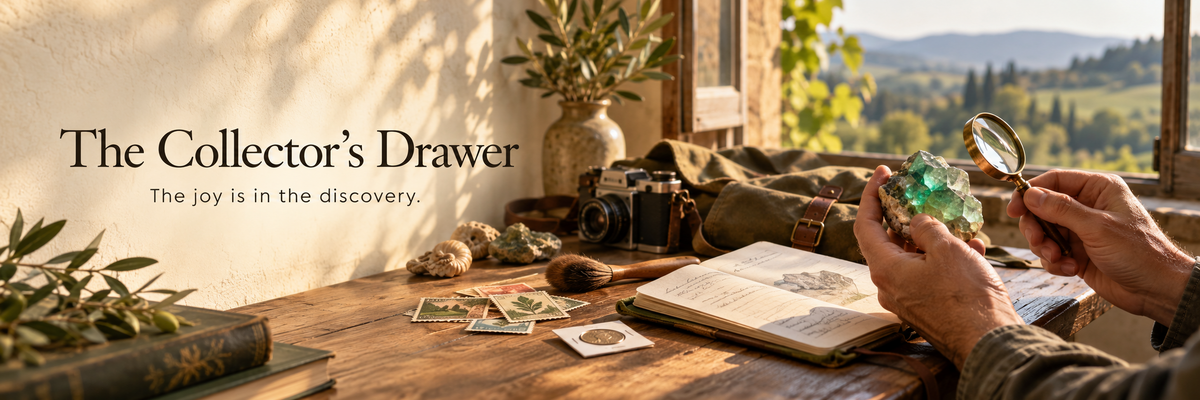
A NEW VIEW OF YOUR COLLECTION
The details make it yours. Give every item, photograph and story a thoughtful home in The Collector’s Drawer.
Bring your collection into focus with a calm overview, easy-to-browse records and room for the things that make each object meaningful.
FAMILIAR CURIOSITY. A FRESH PERSPECTIVE.
Find what matters in a clear, organized workspace. See the whole collection, open a record and keep the details close to the objects that inspired them.
Browse cards or a table, move between collecting interests and open a record in the same workspace.
Interface examples with illustrative collection records. The left bar uses the current app’s logo, navigation labels, icons and styling; it is shown as a non-interactive illustration.
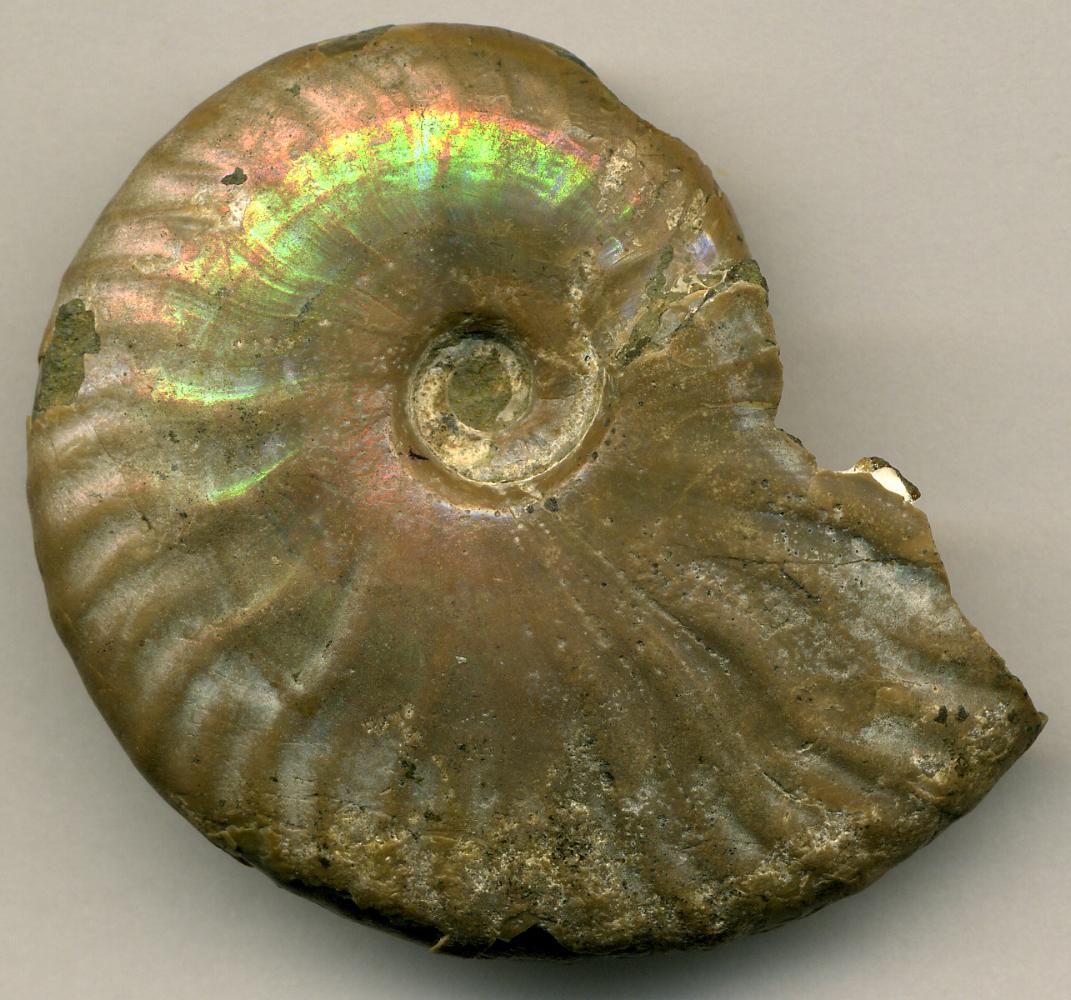
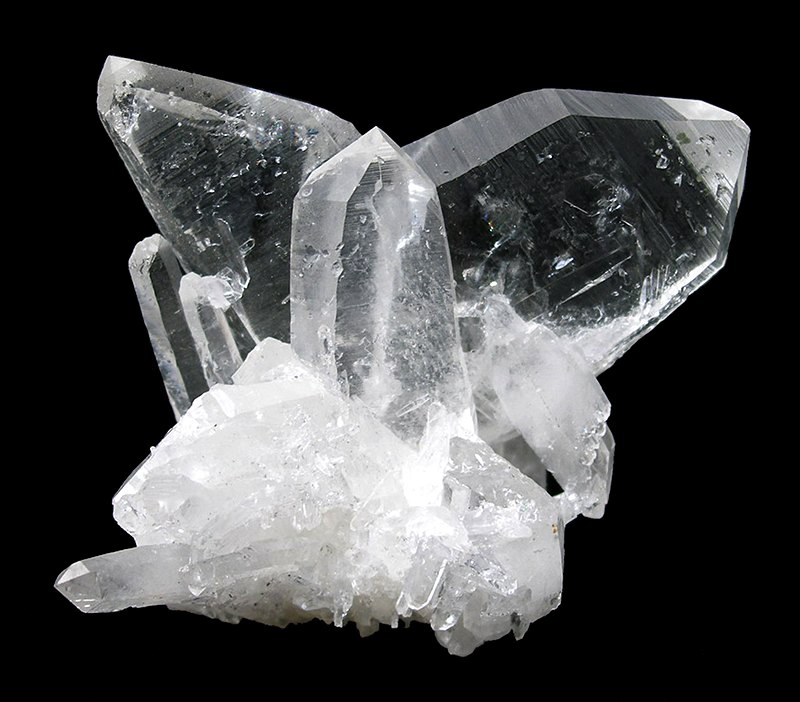
Genuine specimen photographs. Localities and dimensions follow the source descriptions; record IDs and collector notes are illustrative. These are example records, not an owner collection or independently verified provenance. Photograph files are unchanged and fitted within the layout.
Move from the collection overview to individual items, saved searches and the details that matter.
Keep Research notes, custom details, photographs, videos and documents close to the item they belong to.
Shape fields, categories and their order around the way you collect.
THOUGHTFUL TOOLS. ROOM TO MAKE IT YOURS.
From the first record to the next display, keep the useful details together and give yourself a clearer view of what comes next.
Make space for the information you actually keep, with custom fields, categories and choices.
Choose which fields appear, arrange their order with compact drag controls, and keep longer observations in Research. Categories, choices and Other custom values help an eclectic collection feel at home.
Save useful searches and return to a view of the items that matter today.
Search item details, filter fields and tags, and save the filters for later. Matching ignores differences in capitalisation. Run a saved search again to see current matches.
See proposed changes across selected items before applying them.
Multi-item changes show before-and-after values. Supported item and layout edits have a conflict-checked Undo preview that protects later changes. Undo does not cover every operation, including imports, media, sets or gallery curation.
Bring existing records along with mapped columns and a review before import.
Map columns, inspect duplicate handling and validate the proposed import before committing it. Reuse a saved mapping for matching files. Keep a complete backup before importing; imports have their own review workflow.
Build sets and goals around what you own and what you hope to discover.
Arrange Wanted, On order and Owned slots, add notes and optional target dates, and link Owned slots to saved items. A plan points to your collection; it does not create another copy of the item.
Create illustrated reports and a private photo gallery, with the details you choose.
Prepare item sheets or reports with selected fields, photographs and document references. Curate a separate local gallery with chosen photos, titles, captions and stories, then review a portfolio PDF before export.
CURIOSITY DOESN’T FIT ONE CATEGORY
Bring your collection together, from minerals, fossils, coins and stamps to field discoveries, family keepsakes and unexpected treasures.
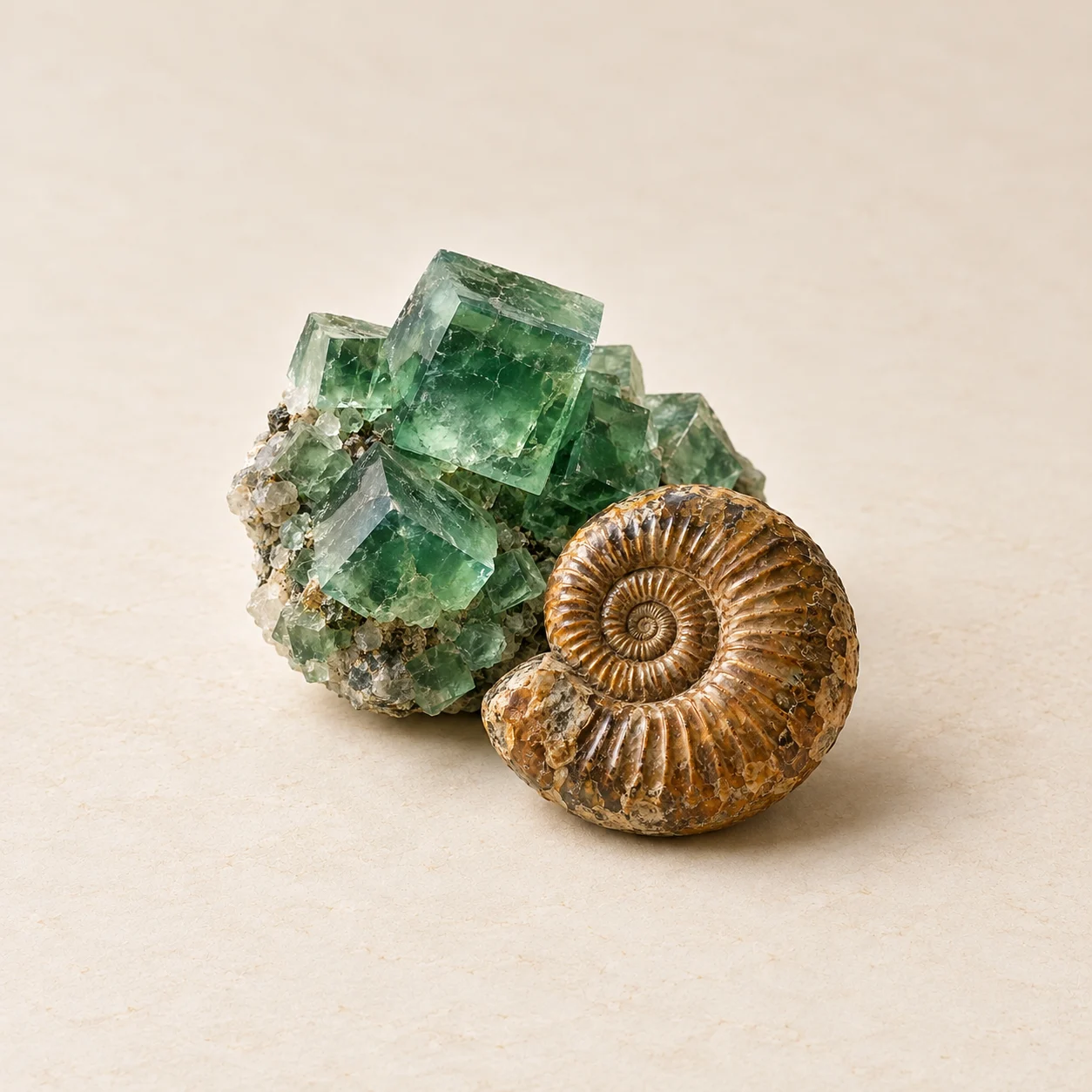 EARTH & NATURE
Keep the details behind minerals, fossils and natural history specimens.
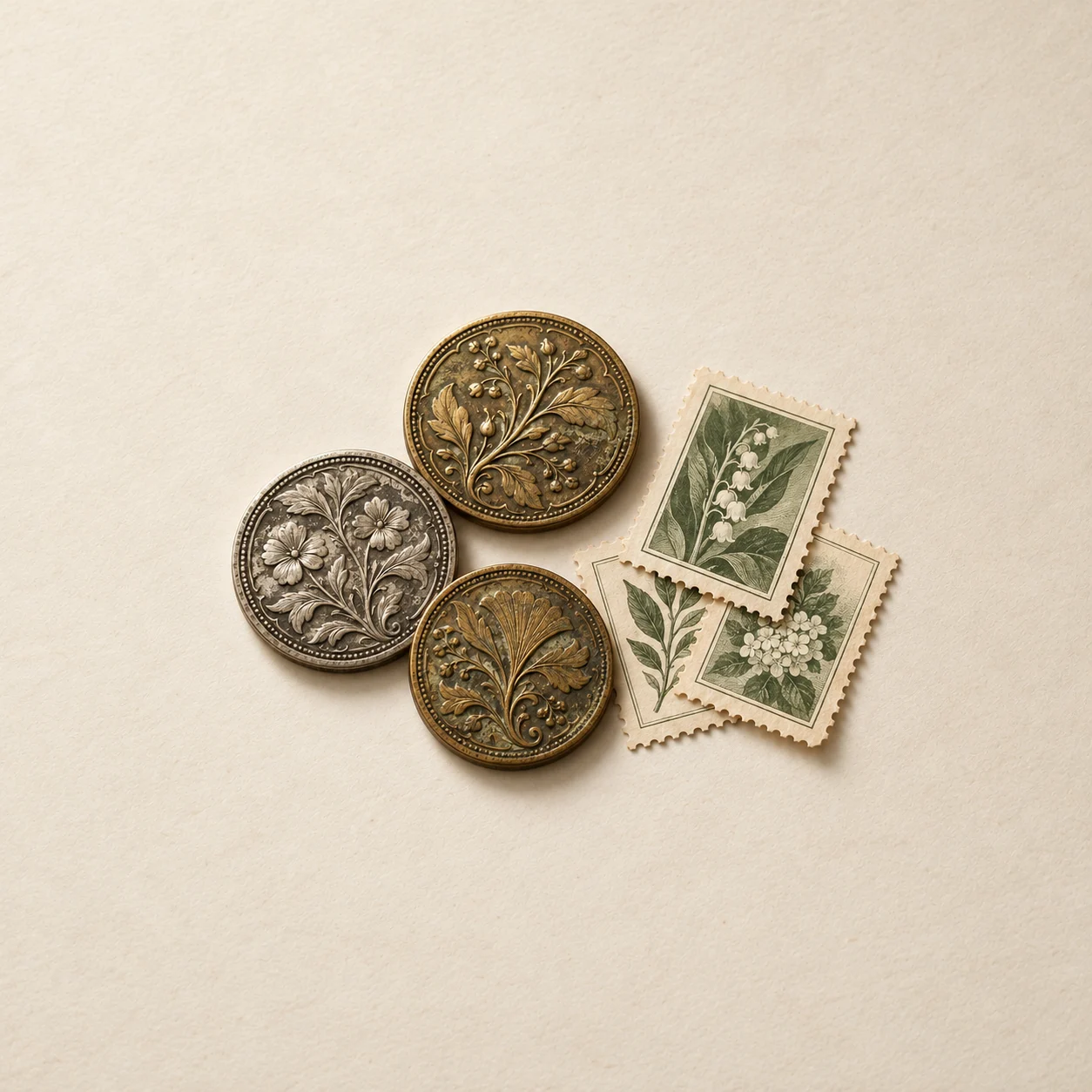 HISTORY & CULTURE
Give stamps, coins and treasured objects the context they deserve.
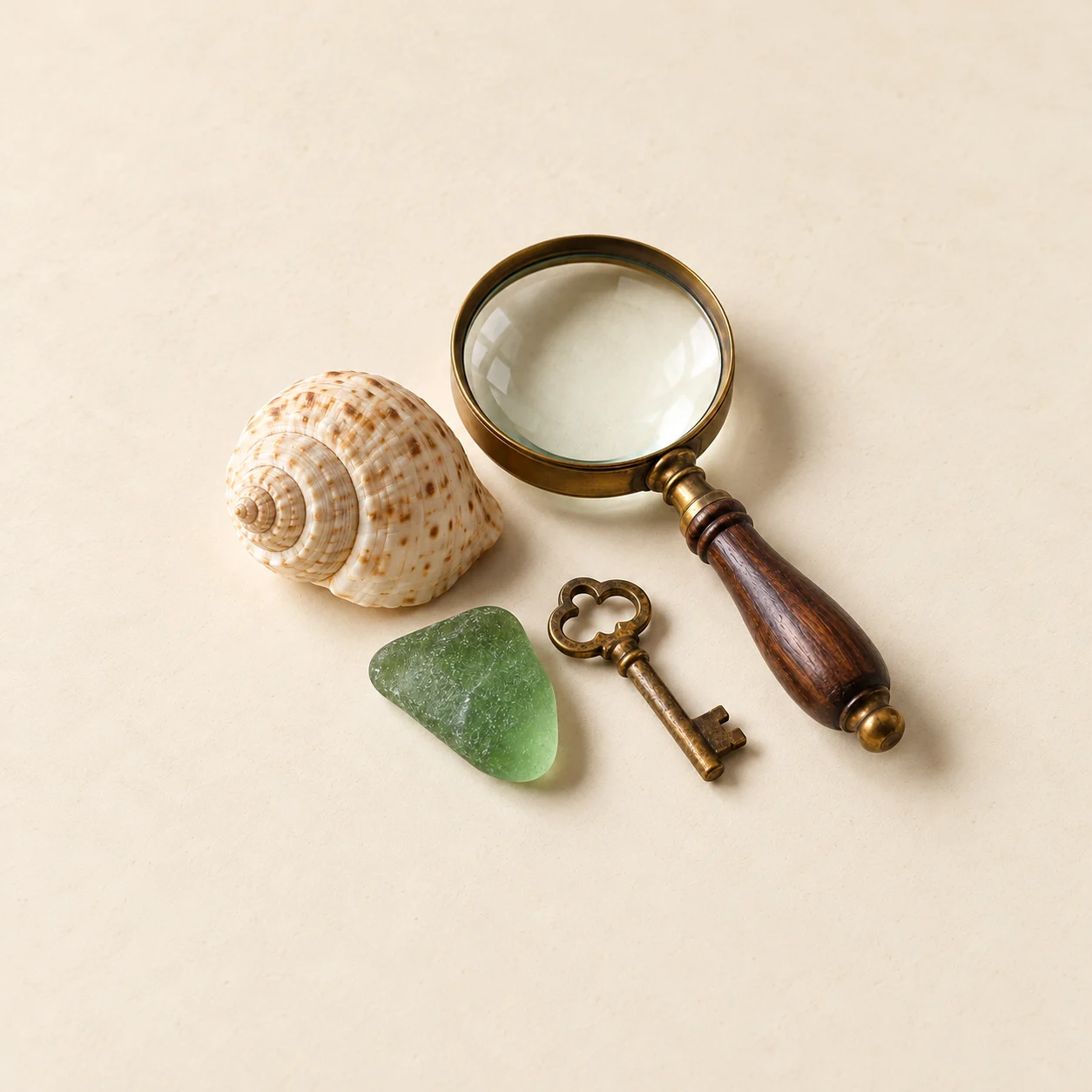 PERSONAL CURIOSITIES
Make room for an eclectic collection and an unexpected find.
Collection still lifes are AI-generated illustrations.
YOUR COLLECTION. YOUR POINT OF VIEW.
A private gallery, thoughtfully chosen.
Select saved items and one photograph for each. Arrange the order, write display titles and captions, and add the story you want to tell. Your original records and media stay unchanged.
The gallery stays on your PC. It does not create a public website or sharing link. Inspect the selected information and photographs before making a portfolio PDF.
A closer look at privacy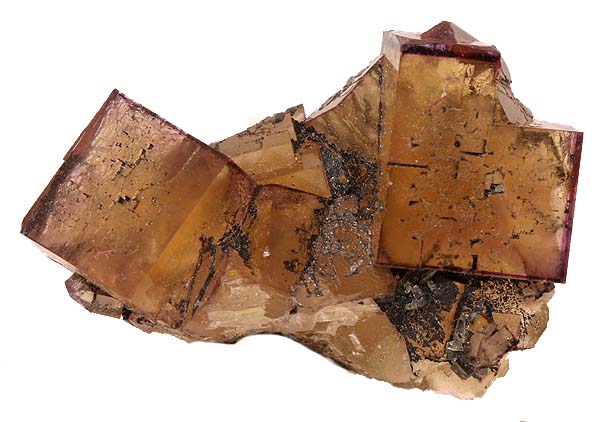
Small wonders,
carefully kept.
Three finds. A quiet study of colour, form and time.
THE COLLECTION JOURNAL
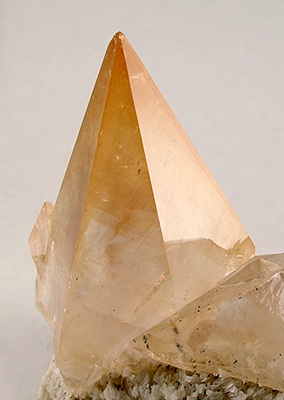
Honey-coloured crystals on pale baryte. A form worth looking at twice.
SELECTED ITEM / 01A RECORD YOU CAN RETURN TO.
Keep a considered record beyond the screen.
Choose the fields and photographs for an item sheet or collection report. Include document references where useful, choose a paper preset or custom size and orientation, and inspect the actual PDF pages before export.
Saved PDFs can be viewed offline. Reports document the information you choose; they are not appraisals, insurance valuations or guarantees of provenance.
FROM A NEW FIND TO A FAMILIAR FAVORITE
Good records do more than list what you own. They help you remember where it came from, what you noticed and why it matters.
The practical detailsItem records and search form the heart of the collection workflow.
Keep original photographs, videos and documents alongside item details. Add media when you create an item or return to it later.
The Windows label workflow includes 17 Avery presets, tiny sizes, preview, used positions and batch printing. QR codes are optional.
Keep portable backups, verify archives and recover to a separate copy. Backups are not encrypted or digitally signed, so store them somewhere you trust.
A LITTLE ROUTINE. A LASTING RECORD.
Your collection has a story.
Keep another copy of it close.
Keep an independent copy of your complete portable collection archive on a USB drive: records and original media, together.
Make a backup after an important collecting day. Verify the archive before relying on it, and use separate-copy recovery when you need to inspect a recovered collection. Keep another copy away from the working drive.
How USB backups workTHE COLLECTION ARCHIVE 01 / USB
Complete collectionRecords · Photos · Videos
Dated copiesChoose a dated backup. Validate it before restoring.
YOUR COLLECTION. YOUR COMPUTER.
Your collection records, photos and videos stay on your PC, where you can organize, search, label and back them up in one familiar workspace.
MAKE ROOM FOR YOUR NEXT DISCOVERY
A home for the details behind the things you love to collect.
Keep meaningful records, prepare thoughtful labels and return to your collection with everything close at hand.
Read the license policy$29.95 USD one-time purchase
The price is $29.95 USD as a one-time purchase, before applicable taxes. Your license covers editing on one PC at a time, with transfers allowed.
Purchasing is currently unavailable. No payment or download is offered on this website. The current private evaluation supports up to 100 items.
BEFORE YOU OPEN THE DRAWER
The details that help you feel at home with your collection.
Use item records for minerals, fossils, coins, stamps, keepsakes and other collecting interests. Custom fields, categories and Research notes let you keep the context that matters to your collection.
Your collection and original photos, videos and documents stay on your PC. This website does not access those files. The private gallery is local too; it does not create a public URL, cloud sync or collaboration workspace.
Yes. Customize fields, choices, categories, visibility and order. Keep longer notes in Research, and add media when creating an item or afterwards.
Save filters for searches you return to, review changes across selected items, and map incoming columns before import. Imports include duplicate review and validation before commit. Undo applies to supported edits and checks for later changes; it is not a universal undo for imports, media, sets or curation.
Plans with Wanted, On order and Owned slots help you track a collecting goal. Link an Owned slot to an existing saved item without duplicating it. You can arrange slots and keep notes and optional target dates.
Create illustrated reports and item sheets with chosen fields, photos and document references, plus paper size and orientation options. Review the actual PDF before export. A separate private gallery lets you choose display titles, captions and stories for a portfolio PDF. PDFs can be viewed offline; reports are not appraisals or provenance guarantees.
Label Studio retains Avery presets and custom label designs, including preview, used positions and batch printing. QR codes are optional. Check the layout and printer settings before printing.
Create a complete portable archive and keep an independent copy, for example on a USB drive. Verify an archive before relying on it and use separate-copy recovery. Backups are not encrypted or digitally signed. Keep a complete backup before importing or making extensive changes.
Purchasing and downloads are currently unavailable on this website. The current private Windows evaluation supports up to 100 items. You can browse this website on your phone, then organize your collection on your Windows PC. Full supported-system requirements will be provided before purchases open.
Under the intended license, the purchased version is perpetual, with updates included within that major version. It permits one editing PC at a time, with transfers and an approved overlap of up to 15 minutes. The intended license requires initial validation and periodic revalidation. If validation fails, read and export access and unsaved work are preserved. Online license enforcement is not active in the current private evaluation. Full terms are available in the footer.
Contact support@thecollectorsdrawer.com for product, license or privacy questions. The footer also contains contact details and privacy, license and refund information.